The best dictation apps for Mac in 2026
Short answer: I built HoldTalk, and it is the one I recommend if you dictate on a recent Mac: hold fn, talk, and the text appears in any app, your voice stays on the Mac and you pay once (€29, free up to 2,000 words a week). For voice to text at no cost at all, the Dictation feature built into macOS will do. Superwhisper and VoiceInk also transcribe on the Mac. Wispr Flow, Aqua Voice and Willow use the cloud, also run on your phone and cost $10 to $15 a month. MacWhisper is mainly for transcribing files.
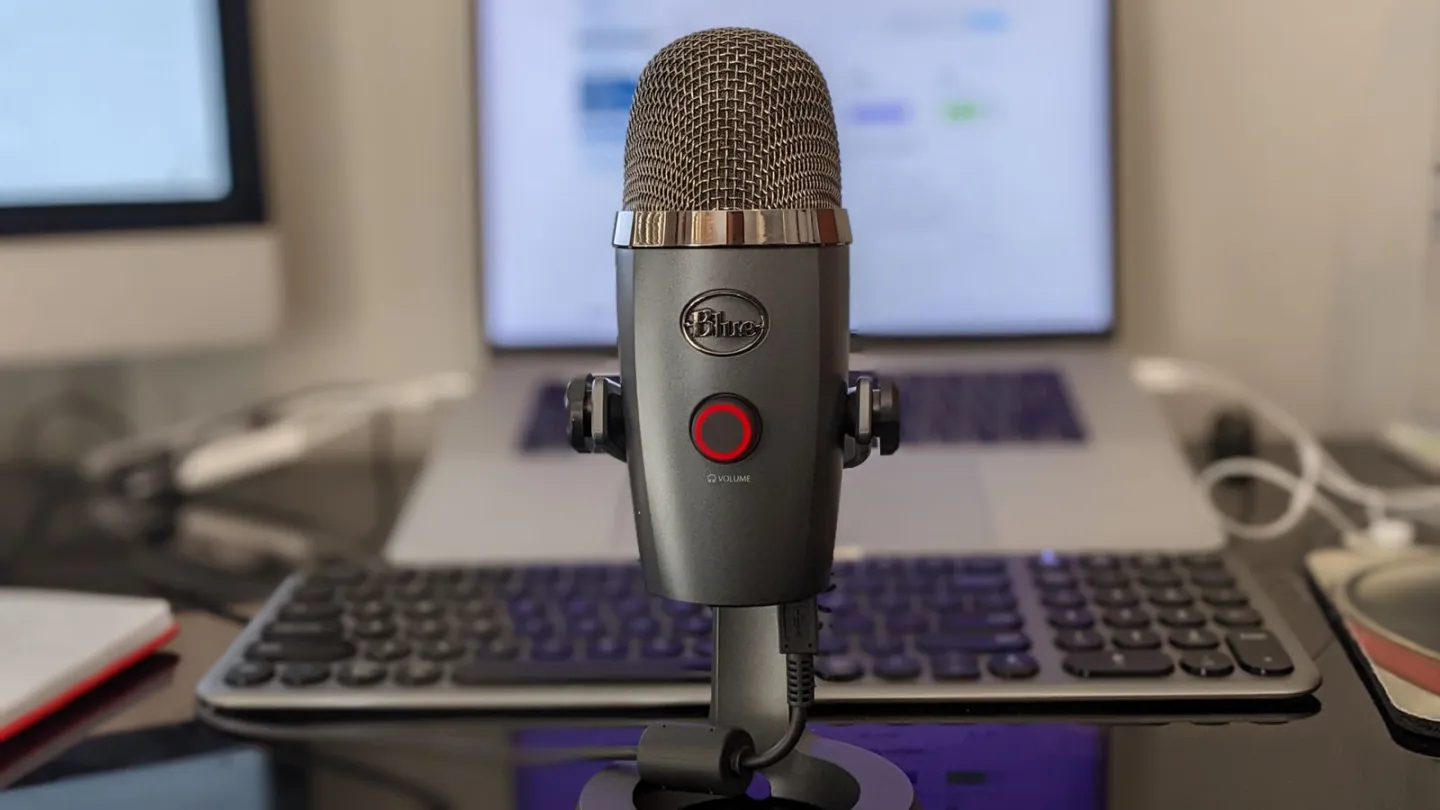
On a keyboard, people type 52 words per minute on average (Dhakal et al., CHI 2018). By voice, you go about twice as fast, if the tool keeps up. I made HoldTalk, one of the eight apps in this comparison. I say so up front, and for each app I tell you what it does better than the others.
Mac dictation apps compared in one table
| App | Individual price | Free version | Transcription | Platforms |
|---|---|---|---|---|
| HoldTalk | Pro at €29 once, for 2 Macs | 2,000 words a week, 7-day Pro trial | On the Mac, Apple's engine | Apple silicon Mac, macOS 26 or later |
| Apple Dictation | Included in macOS | Yes, no time limit | On the Mac depending on the model, shown in Keyboard settings | Mac |
| Wispr Flow | $15 a month, or $144 a year ($12 a month) | 2,000 words a week on desktop, then slower dictation | Cloud | Mac, Windows, iPhone, Android |
| Superwhisper | $8.49 a month, $84.99 a year or $249.99 lifetime | Unlimited dictation with local models, two modes without AI | Local on Free, local or cloud on Pro | Mac, Windows, iPhone, Android |
| MacWhisper | Pro at €64 once | Yes | Local models, optional cloud | Mac |
| VoiceInk | $25 (1 Mac), $39 (2 Macs) or $49 (3 Macs), once | Free trial | Local, optional cloud text enhancement | Apple silicon Mac (macOS 14.4 or later), separate iPhone app |
| Aqua Voice | Pro at $12 a month, or $10 a month billed yearly | 1,000 free words | Cloud | Mac, Windows, iPhone, Android |
| Willow | Pro at $15 a month, or $12 a month billed yearly | Unlimited with a weaker model | Cloud (servers in the United States) | Mac, iPhone |
Prices checked on November 11, 2026, on the official pages. Dollar prices are the US list prices and can change with your country, currency and billing.
How good is each dictation app on a Mac?
HoldTalk: my pick for dictating everywhere on a Mac
I made HoldTalk for one narrow job. You hold the fn key, speak and release: the text appears at your cursor, in any app. Transcription runs on the Mac with Apple's engine, with no server, no account and no audio recording.
The personal dictionary fixes your names and work terms after each dictation. The history keeps your last 1,000 texts, with search. Both features are free for everyone. The app comes in English, French and Spanish.
The free version covers 2,000 words a week, after a 7-day Pro trial on first launch, with no card and no account. Pro costs €29 once, with no subscription, for two Macs, and you can get a refund within 14 days with no questions asked.
The limits are clear. HoldTalk runs only on Mac, with no Windows, iPhone or Android version, and it needs Apple silicon with macOS 26 or later. It does not transcribe files, has no voice editing commands, and its quality depends on Apple's engine.
Download HoldTalk for free: 7 days of Pro from the first launch, no card and no account.
Apple Dictation: free and already installed
You turn on Dictation in System Settings > Keyboard > Dictation, and it types anywhere you can enter text. It adds punctuation on its own in supported languages and accepts commands such as "new line". The same settings page shows whether your dictation is processed on the device, without going to Siri servers.
Its limit is the settings: you pick the language, the shortcut and the microphone, and not much more. Dictation also stops after 30 seconds without speech. On macOS 27, Apple Intelligence improves spelling and punctuation, but only in English and on a Mac with an M3 chip or later and at least 12 GB of memory.
Wispr Flow: the most complete if you switch devices
Wispr Flow types in any app on Mac, Windows, iPhone and Android. It learns your names and jargon, and it has a dictionary and reusable snippets. It also adds a Notetaker for meetings on Mac and Windows, plus team features.
The free plan gives 2,000 words a week on desktop. Past that, dictation slows down, then stops at 5,000 words until the Sunday reset. Pro costs $15 a month or $144 a year. Transcription happens in the cloud. For the plan details, read the Wispr Flow pricing guide.
Superwhisper: the most configurable, local or cloud
Superwhisper has a free plan with no word limit: unlimited dictation with local Whisper models, custom vocabulary, text replacements and two modes without AI. On that plan, nothing you dictate leaves the device. Pro adds cloud models, file transcription, AI modes, realtime transcription and meetings on macOS.
One Pro license covers all your devices, including Windows, iPhone and Android, at $8.49 a month, $84.99 a year or $249.99 lifetime. The trade-off: you have to pick models and understand modes. Superwhisper vs Wispr Flow covers that choice in detail.
MacWhisper: built first for files and meetings
MacWhisper transcribes audio and video files by drag and drop, records Zoom, Teams or Webex meetings with no bot joining, recognizes speakers and exports subtitles. It also offers dictation in any app, with local models or cloud services that you connect with your own API keys.
There is a free version, and Pro costs €64 once, updates included. It is the richest tool here for a journalist or a student who transcribes recordings. If you only want everyday dictation, you will not use many of its features.
VoiceInk: open source and paid once
VoiceInk transcribes on the Mac with local models. Its code is public on GitHub, so you can read and check it. It has custom words, text replacements and an optional cloud text enhancement that sends only the text, never your voice.
A license costs $25 for one Mac, $39 for two or $49 for three, paid once, with a 14-day refund. It needs an Apple silicon Mac with macOS 14.4 or later, so it accepts older macOS versions than HoldTalk.
Aqua Voice: voice commands and tools for AI workflows
Aqua Voice runs on Mac, Windows, iPhone and Android. Even the free plan includes Deep Context, an MCP server and a command-line tool (CLI). The Max plan adds Realtime Mode and voice commands.
The free plan is limited to 1,000 free words. Pro costs $12 a month, or $10 a month billed yearly; Max costs $24 a month, or $19 billed yearly. Transcription goes through its servers, with a Privacy Mode that stops it from keeping the audio and text of your dictation.
Willow: free with no word limit, in the cloud
Willow types anywhere you type, on Mac and iPhone. The free plan has no word limit, but it uses a weaker model (Frontier Mini) and gives 20 uses a week of Scribe, its writing tool.
Pro moves you to the Frontier Pro model for $15 a month, or $12 a month billed yearly. Willow processes your voice on servers in the United States. Its Privacy Mode, on by default, keeps neither the audio nor the text after dictation.
Which voice typing app should you choose on a Mac?
- You want to hold a key, talk and find the text at your cursor: HoldTalk, on an Apple silicon Mac with macOS 26 or later. This is the use I designed it for.
- You don't want to pay: try Apple Dictation first. If it is not enough, free Superwhisper gives unlimited local dictation and free Willow gives unlimited cloud dictation. If Apple Dictation won't start, see why Mac dictation is not working.
- Your voice must stay on the computer: HoldTalk, Superwhisper with local models, VoiceInk or MacWhisper in local mode.
- You don't want a subscription: HoldTalk (€29, for 2 Macs), VoiceInk ($25), MacWhisper Pro (€64) or Superwhisper lifetime ($249.99).
- You switch between Mac, Windows and your phone: Wispr Flow, Superwhisper or Aqua Voice, all three on Mac, Windows, iPhone and Android.
- You transcribe meetings or files: MacWhisper first, or Superwhisper Pro and the Wispr Flow Notetaker.
- You are a developer: VoiceInk publishes its code, Aqua Voice has an MCP server and a CLI, and MacWhisper can be controlled from the command line. HoldTalk types your prompts at the cursor, in the terminal or in your editor.
For the macOS settings, read the Mac dictation guide. If you are leaving Wispr Flow, the Wispr Flow alternative without a subscription compares the two in detail.
Try dictation that stays on your Mac
HoldTalk types in the app where your cursor is. Hold fn, speak, and release. Free up to 2,000 words per week, with no account.
For Apple silicon Macs running macOS 26 or later.
Frequently asked questions
What is the best free dictation app for Mac?
Apple Dictation comes with macOS and costs nothing. Superwhisper gives unlimited dictation with local models, and Willow gives unlimited dictation with a weaker model in the cloud. Wispr Flow (on desktop) and HoldTalk give 2,000 words a week.
Which dictation app keeps my voice on the Mac?
HoldTalk, Superwhisper with local models, VoiceInk and MacWhisper with local models transcribe on the computer. Apple Dictation shows in System Settings > Keyboard whether it processes your dictation on the device. Wispr Flow, Aqua Voice and Willow transcribe on their servers.
Is there a dictation app without a subscription?
Yes. HoldTalk Pro costs €29 once, for two Macs, VoiceInk $25 once for one Mac and MacWhisper Pro €64 once. Superwhisper also sells a lifetime license for $249.99.
Which app should I pick if I also use Windows or Android?
Wispr Flow, Superwhisper and Aqua Voice run on Mac, Windows, iPhone and Android. With Superwhisper, one Pro license covers all your devices. HoldTalk, VoiceInk and MacWhisper focus on the Mac.
Is Apple Dictation good enough for daily writing?
For messages and notes, often yes. It stops after 30 seconds without speech and has few settings: language, shortcut, microphone and automatic punctuation. A third-party app adds a dictionary, a history or text rewriting.
Sources
- Apple, Dictate messages and documents on Mac, accessed November 11, 2026.
- Wispr Flow, Pricing and Flow plans and what's included, accessed November 11, 2026.
- Superwhisper, Plans & Pricing, accessed November 11, 2026.
- MacWhisper, official site, accessed November 11, 2026.
- VoiceInk, official site, accessed November 11, 2026.
- Aqua Voice, Pricing and Privacy Policy, accessed November 11, 2026.
- Willow, Pricing and Security, accessed November 11, 2026.
- Dhakal, Feit, Kristensson and Oulasvirta, Observations on Typing from 136 Million Keystrokes, CHI 2018.
- HoldTalk features checked against the product documentation on November 11, 2026.